Original Guide in Chinese / 中文版
Apart from Youtube, we also share our files via torrents. The platform that we use most often is Nyaa.si.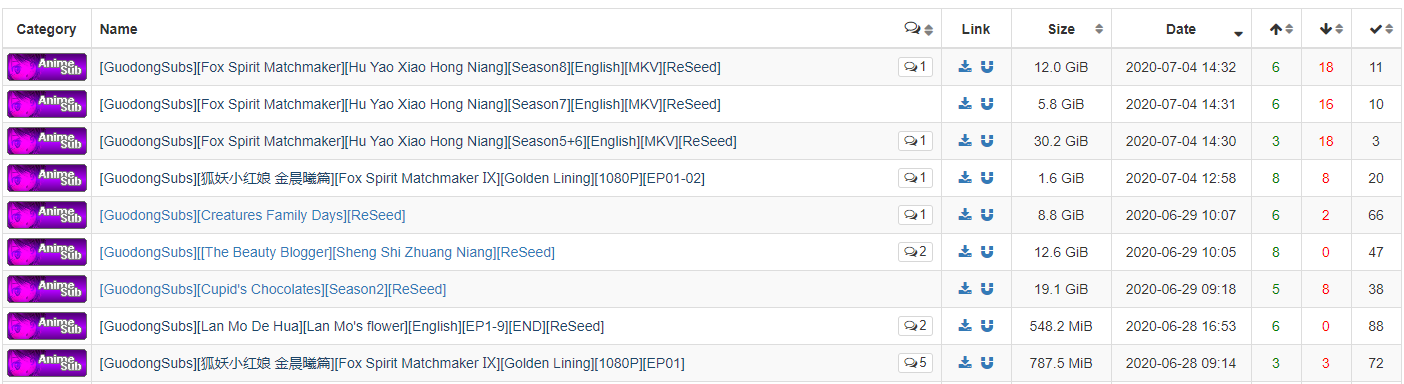
We recommend using softwares as follows:
qbittorrent
Go to the official site.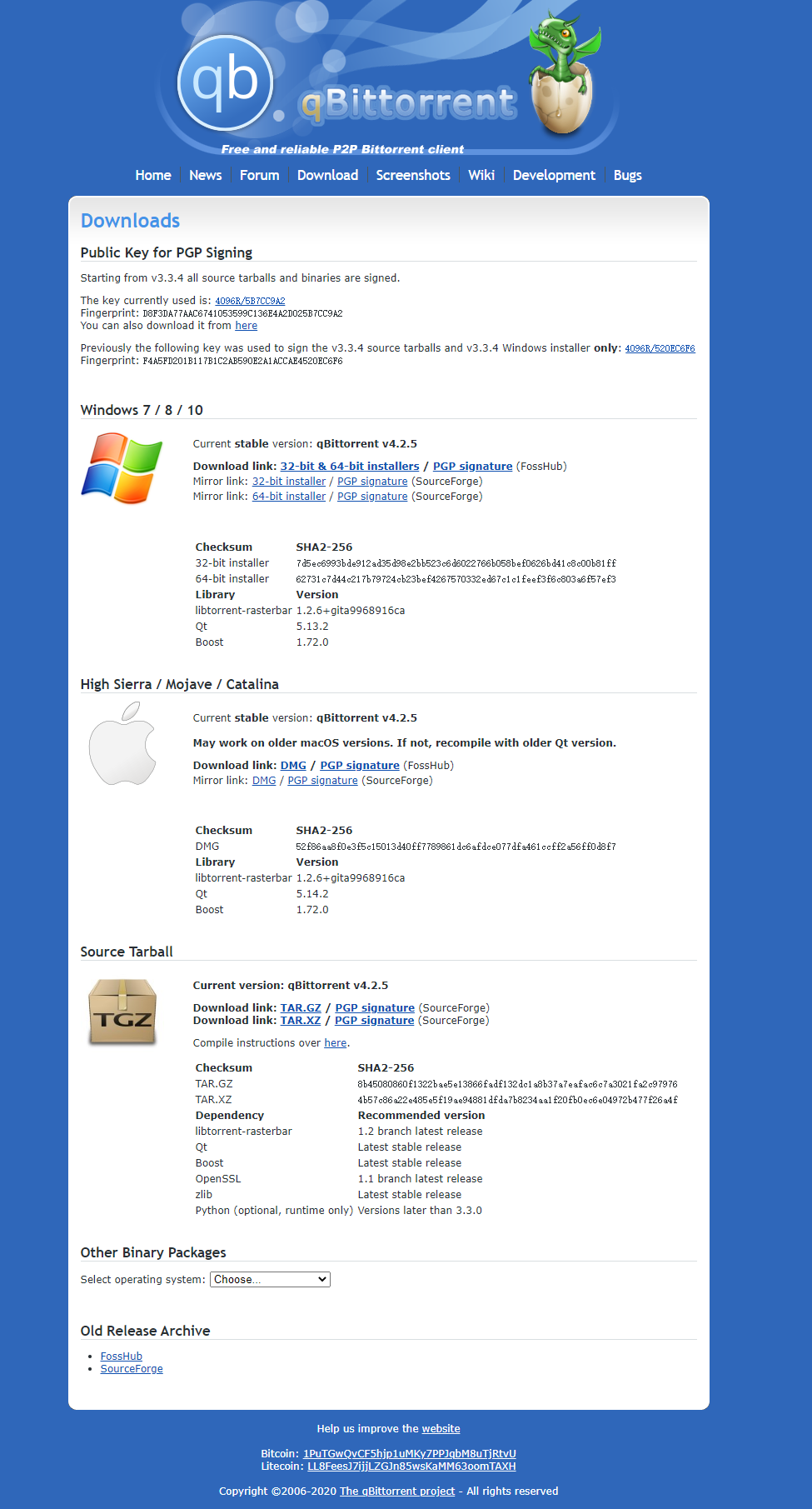
Download the version compatible with your PC’s specs. Here, we’re downloading the 64bit version for Windows.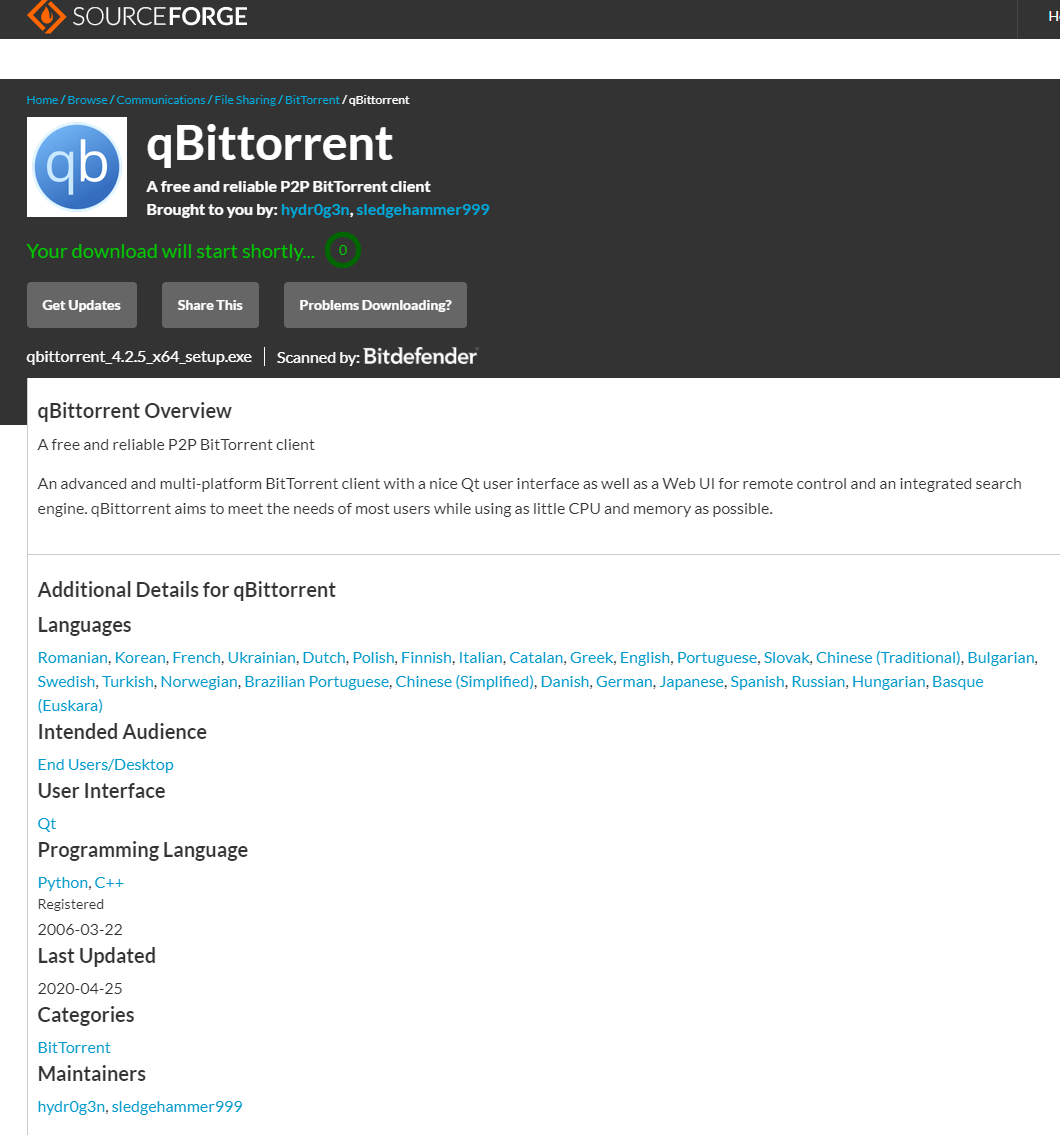
Install the software.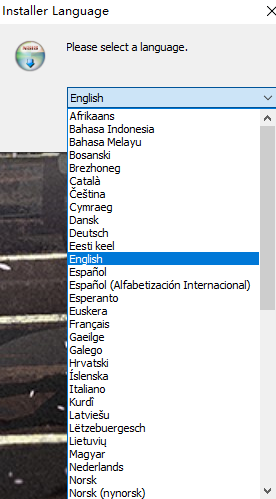
Complete the installation and save it to your preferred route.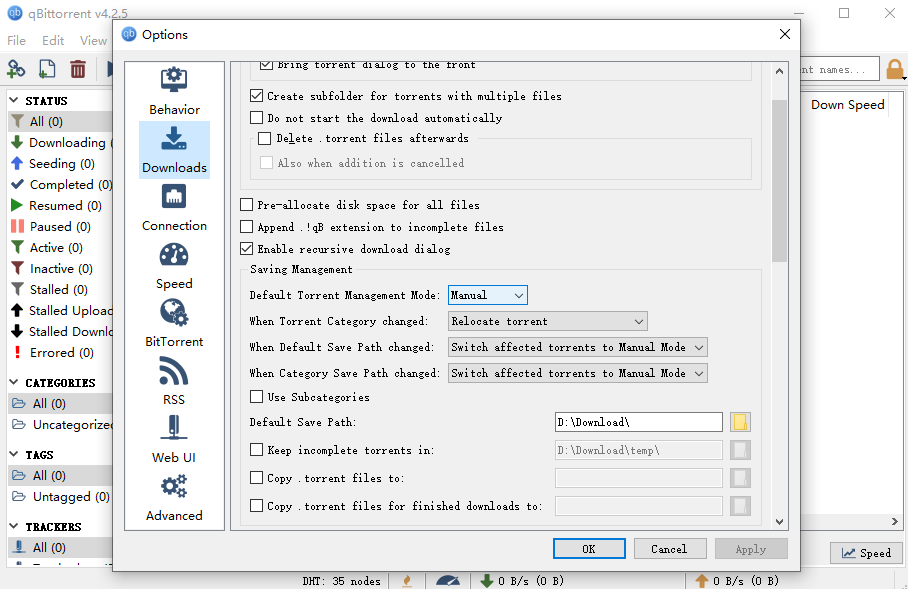
Go to our Nyaa homepage and download the files you need.
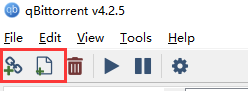
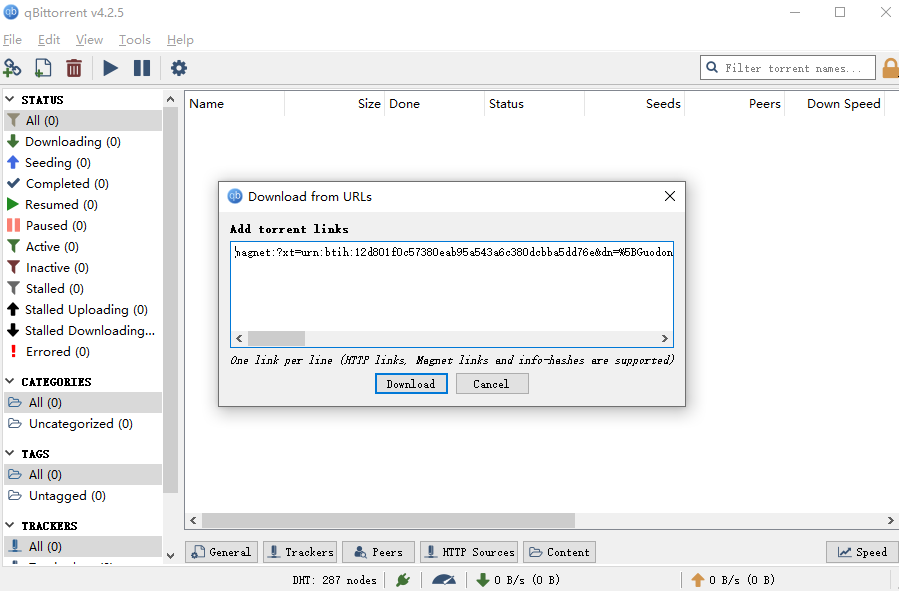
You could download the torrent or simply copy the magnet link.
You may also find more details by expanding the page.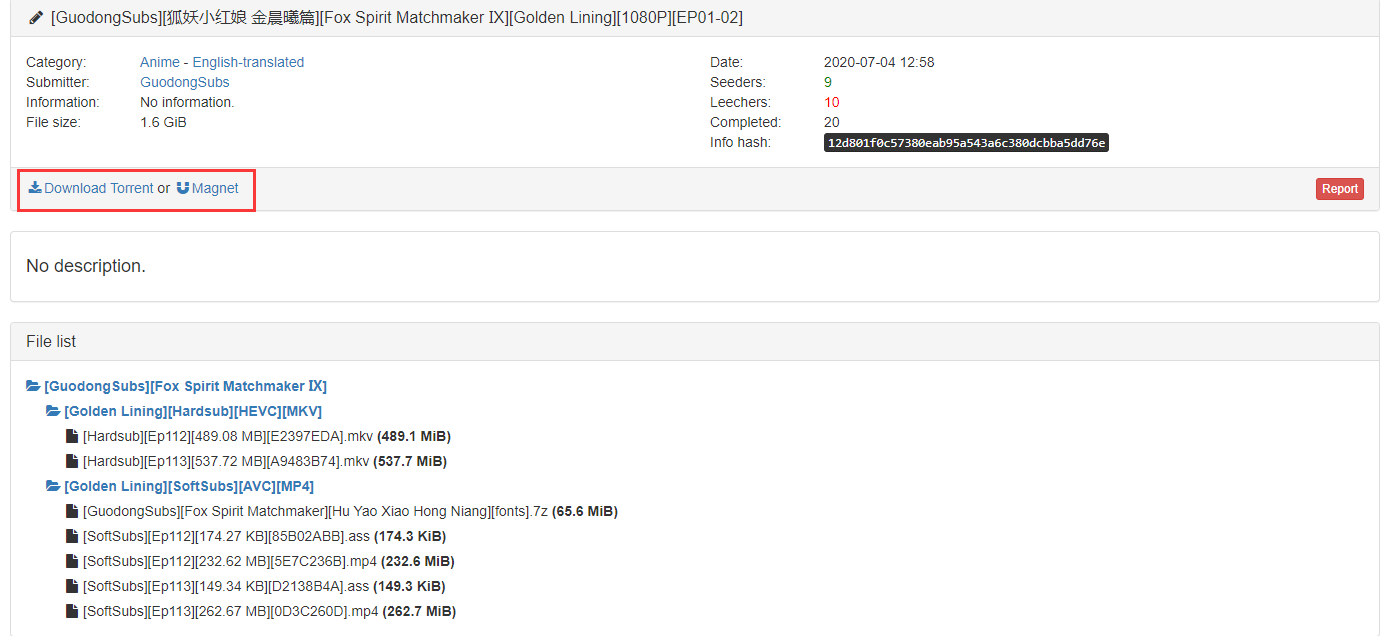
Download your required files using the torrent or the magnet link.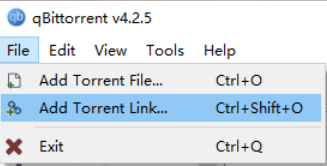
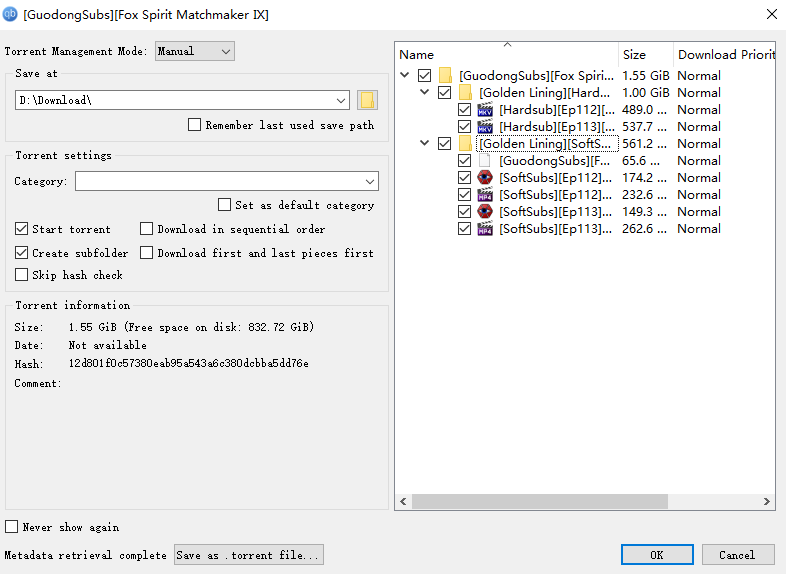
If you need just a specific portion / a single episode,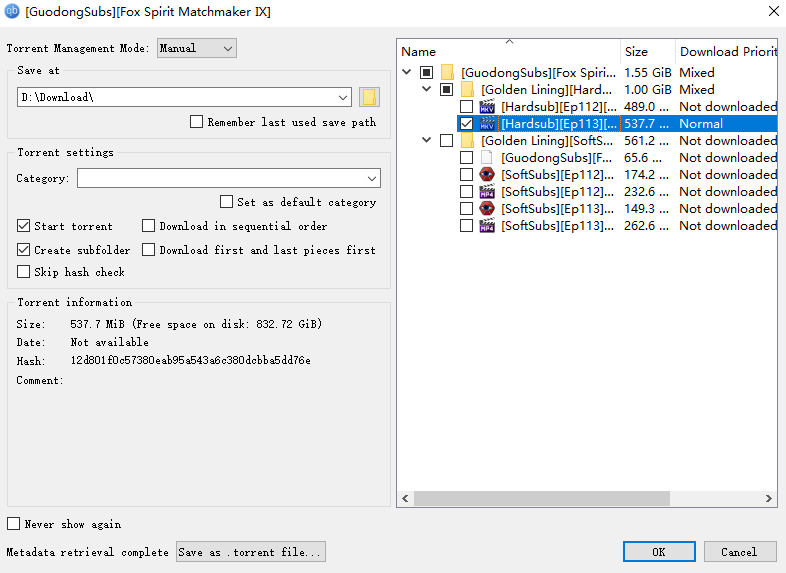
uncheck the items that you do not need, and only leave the files that you need checked.
The other softwares should work more or less the same way. Feel free to explore them!